
The best scheduling tools for coaches in 2026
As a coach, managing your schedule efficiently is important so that your sessions are productive, your clients are happy, and you maintain a healthy work-life balance. Below, we explore some of the top calendar management tools in 2026, including their features, pros and cons, and why they are ideal for coaches.
Calendly
[For coaches who want to simplify their coaching business and have 100+ integration options]
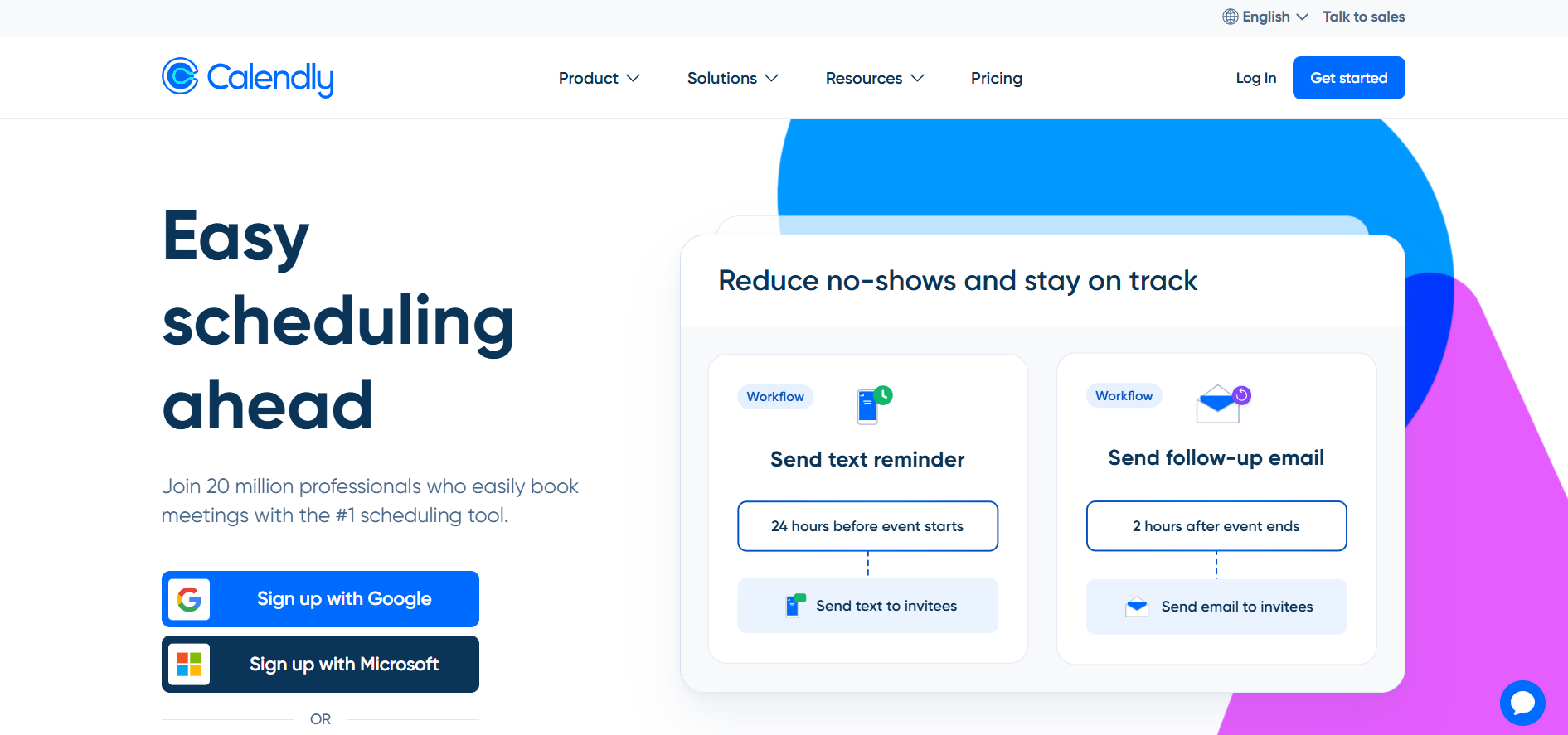
Calendly is one of the most popular scheduling tools available. It’s an easy-to-use platform designed to help you simplify the scheduling process, eliminating the back-and-forth emails with clients and saving you time.
Pros:
Automatic time zone detection: Calendly automatically detects your client’s time zone.
Customizable availability: You can set specific availability windows and even create different types of meetings, such as one-on-one sessions, group meetings, or consultations. You can also choose the most popular time based on the poll your team had taken.
Integration with Google, Outlook, and other calendars: Calendly integrates with your existing calendar systems, so you won’t double-book or miss appointments. You can have 100+ integrations with Calendly.
Buffer time: You can set buffer time between meetings or add the limit.
Cons:
Limited features in the free version: While the basic version is free, many of the advanced features (like team scheduling or integrations with other tools) are only available in the premium plans. More about pricing plans HERE.
Customization options: Some coaches may find the customization options too basic, especially when compared to others, like client management features.
Conclusion
Calendly simplifies scheduling for both you and your clients. You can automate reminders and confirmations, and the platform allows clients to book sessions based on your available slots, which makes managing a full calendar much easier. It’s great for coaches with a variety of clients who need flexibility but also want to avoid scheduling errors.
Acuity Scheduling
[Better for service based business like coaching, because of the payment option]
Acuity Scheduling is another excellent scheduling tool that offers a comprehensive set of features to help coaches manage their appointments more effectively. It is known for its customization options and robust integrations with other tools. It’s now acquired by Squarespace.
Pros:
Customizable appointment types: You can offer different appointment types with different durations, pricing, and even include intake forms or questionnaires for clients.
Client self-scheduling: Like Calendly, Acuity allows clients to book their own sessions based on your availability. It’s good for coaching group events, sessions and classes. For coaches that are travelling a lot, Acuity offers a mobile scheduling app.
Integrations: Acuity integrates with payment processors like PayPal and Stripe, which is ideal for coaches who want to accept payments upfront. If you’re running a service-based business, like business coaching, career coaching or life coaching, Acuity might be for you.
Automated reminders: The tool sends automated email and text reminders to clients, helping reduce no-shows.
Cons:
Learning curve: Acuity can be slightly overwhelming for new users due to the variety of features and customization options.
No free plan: You can test Aquity for 7 days, but there is no free plan like with Calendly.

Conclusion
Acuity is particularly useful for coaches who need more flexibility in managing different appointment types, services, and client forms. The ability to integrate payment systems is a big plus, and the client self-scheduling features save valuable time for coaches managing busy schedules.
If you want to go down the rabbit hole of calendar management tools, specifically Calendly VS Aquity, here’s an in-depth article about it: Calendly VS Acquity
Clockwise
[Scheduling AI assistant that brings back focus]
Paperbell is a calendar and scheduling tool that is specifically built for coaches, course creators, and service providers. It offers all the essential features a coach might need to run their practice smoothly.
Pros:
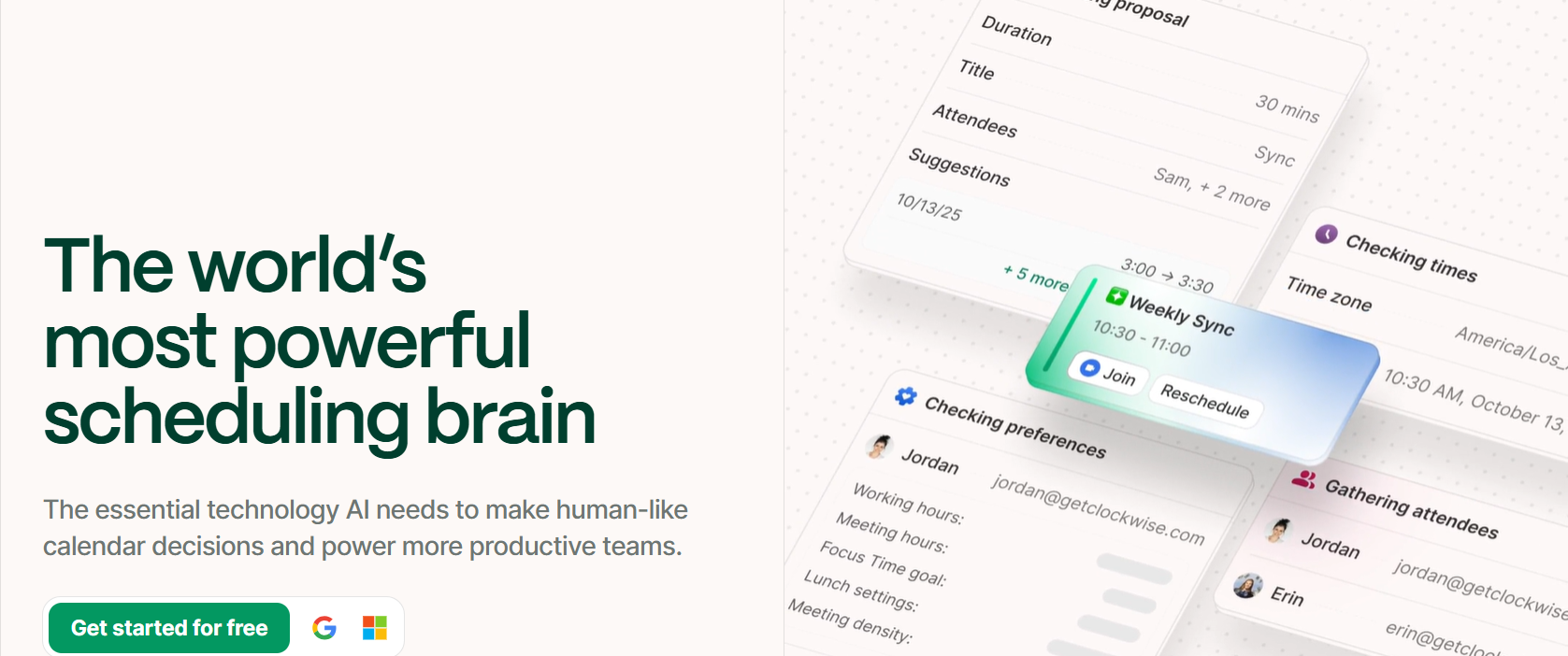
Analyzes data across multiple calendars: Clockwise considers preference across teams and understands which meetings are flexible.
AI-powered suggestions: Recommends optimal times for tasks, breaks like deep-focus time, and meetings based on your habits and calendar trends.
Slack Integration: Updates your Slack status to reflect your availability (e.g., in a meeting, focusing, etc.).
Cons:
Two-calendar option: It only synced with Google Calendar and Outlook.
Potential Unpredictability / Loss of Control: Because the tool moves meetings to free up focus time, sometimes meetings get rescheduled in ways that feel inconvenient.
Conclusion
Clockwise is a strong choice if your goal is to reclaim control of your calendar and protect blocks of uninterrupted, focused work. Its AI‑driven features for automatically adjusting flexible meetings and optimizing for “deep work” make it especially valuable for individuals or teams drowning in too many meetings.
Google Calendar
[Great for coaches with a limited budget and a Google account]
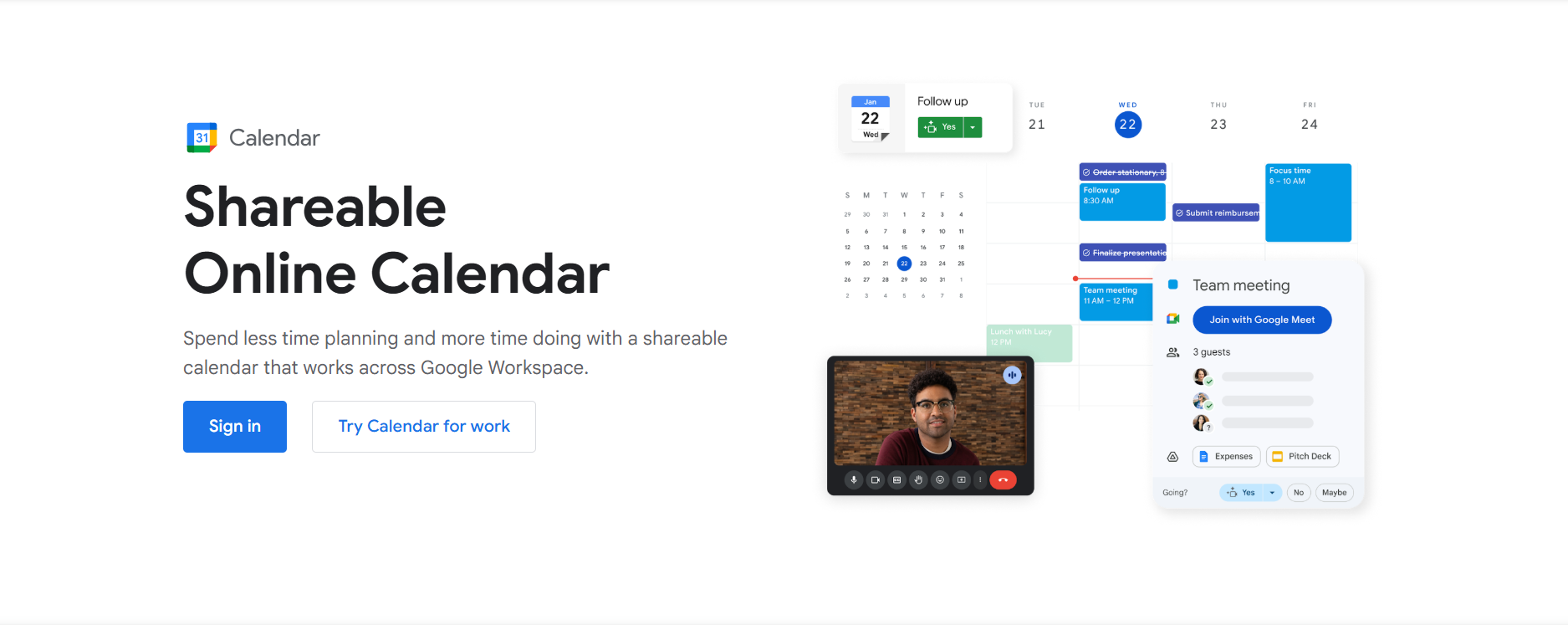
Google Calendar is a classic choice, known for being free and highly reliable. Although it's not specifically built for coaches, its functionality can still make it a solid choice for managing appointments.
Pros:
Free to use: Google Calendar is entirely free, making it a great option for new or budget-conscious coaches.
Great integration: It integrates well with other Google Workspace tools (like Gmail and Google Meet), which is useful for coaches already using Google products.
Event reminders and notifications: Google Calendar sends notifications to remind you of upcoming events, reducing the chances of missed sessions.
Easy sharing: You can share your calendar with clients or team members, which can help avoid scheduling conflicts.
Cons:
Limited scheduling features: While Google Calendar excels at basic scheduling, it lacks advanced features like automatic booking or payment integrations. No custom notifications as well.
You need to have a Google account.
Conclusion
Google Calendar is perfect for coaches who want a simple, no-frills calendar that syncs across devices and integrates with other Google tools. However, it may be less suitable for coaches with complex scheduling needs, as it doesn’t offer the same level of customization as some of the more specialized tools.
YouCanBook.me
[Better for small teams]
YouCanBook.me is an intuitive scheduling tool designed to simplify booking for small teams rather than large corporations. It's particularly popular among coaches who need to set clear boundaries and control over when clients can book sessions.
Pros:
Simple interface: The user interface is clean and simple, making it easy for clients to book and for coaches to manage their schedules.
Custom booking pages: You can create custom booking pages that match your branding and provide a seamless experience for your clients.
Group scheduling: YouCanBook.me allows for easy group scheduling, making it ideal for group coaching sessions or workshops.
Time zone sync: Similar to Calendly, it automatically adjusts for time zone differences, making it an international solution.
Cons:
Basic features on free Plan: The free plan offers limited customization options and fewer integrations than the premium version.
Lack of advanced client management: Unlike Acuity, YouCanBook.me lacks deep client management features like notes or progress tracking.

Conclusion
YouCanBook.me is an excellent tool for coaches who prioritize a clean, no-hassle scheduling experience. Its group scheduling feature is particularly useful for coaches running workshops or group coaching sessions. While it lacks the client management features of other tools, it is an efficient option for coaches looking for a straightforward booking tool.
Each of these calendar management tools offers a different set of features and benefits, making it important for you as a coach to choose the one that best aligns with your needs.
By implementing one of these tools in 2026, you can simplify and improve your coaching practice, improve client satisfaction, and have your schedule stay organized.
Stay happy!
Your Nuumani Team
