
A complete technical guide for coaches in 2026 [beginner-friendly tools]
Starting out as a coach can be both exciting and challenging. As you start working on your coaching business, having the right tools can make a world of difference. Here are ten beginner and budget-friendly tools that every new coach should consider while starting a new coaching business
1. Canva
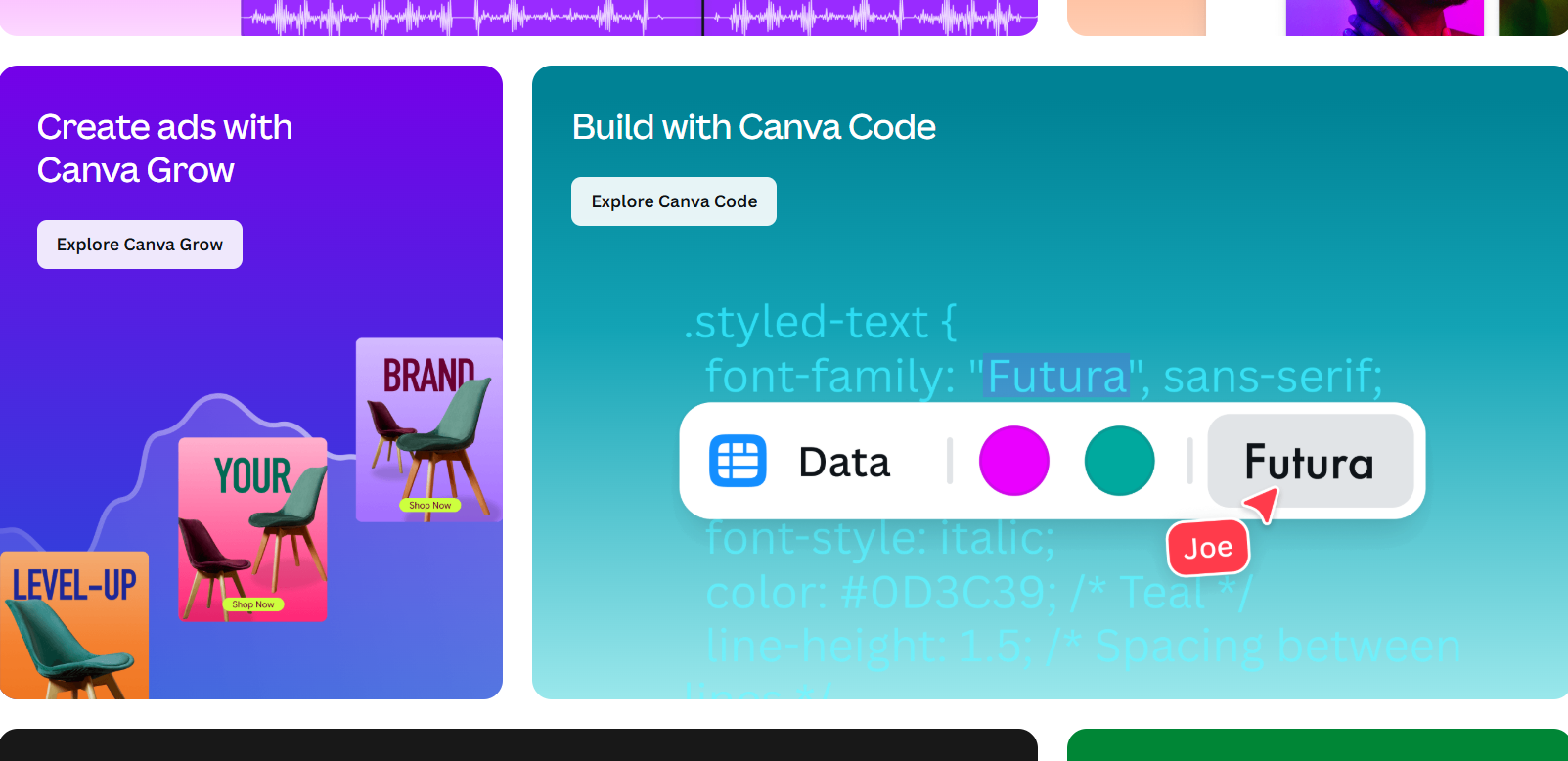
Canva is a multi-design tool that allows coaches to create visually appealing materials, from social media posts to worksheets and presentations. Its free version is packed with different features, making it perfect for beginners. When you’re building a coaching business, your visual identity matters. Clients notice your worksheets, PDFs, social media posts, presentations, and onboarding materials. Canva makes it possible to create all of this quickly and budget-friendly.
One of Canva’s biggest advantages is its simplicity. You don’t need design experience or technical skills. Everything works through an intuitive drag-and-drop interface, and you can start with thousands of templates designed specifically for coaches, entrepreneurs, and educators. You can add your brand colors and fonts, and upload your logo. Did you also know that Canva offers a website-building feature? It’s very simple, though, but for some, simplicity is all they need.
And, speaking of PDF creation, here’s how we created Coaching Journaling Prompts: 20 Ideas for Client Reflection [Free PDF] that you can download for free.
2. Google Workspace
Google Workspace offers a group of tools like Google Docs, Sheets, and Drive, which are great for collaboration, note-taking, and organizing client information. With Google Docs, Sheets, and Slides, you can easily create coaching agreements, session plans, and worksheets. Google Forms lets you build client intake forms and feedback surveys in minutes, while Google Calendar makes scheduling simple with reminders and integrated video call links. Google Drive ties everything together with secure cloud storage for all your client folders, notes, and coaching materials. With 15 GB of free storage, file sharing, real-time collaboration, and access from any device.
3. Zoom
Zoom is a leading video conferencing tool that makes virtual coaching sessions very efficient. The free plan allows unlimited sessions (40 minutes max), making it perfect for beginner coaches. With features such as screen sharing, waiting rooms, breakout rooms, and session recording, Zoom delivers a professional, seamless coaching experience for clients. You can also integrate Zoom with Google Calendar or scheduling tools so clients receive automatic meeting links.
4. Trello
Trello is a visual project management tool that helps coaches organize their tasks, track client progress, and manage their schedules. It offers a free plan that’s perfect for individual use. You can create boards for each client or project, add lists for goals or session plans, and use cards to track tasks, notes, and progress. Trello’s free plan includes checklists, due dates, and file attachments, making it perfect for beginners. You can also add labels, reminders, and automation rules.
Calendar Management Tools
If you want an even deeper look at scheduling tools and calendar workflows for coaches, make sure to check out our full list here:
→ The best scheduling tools for coaches in 2026
6. Zoho Notebook
Zoho Notebook is a clean, easy-to-use note-taking app that helps coaches keep session notes, client information, session plans, ideas, and files organized in one place. It supports multiple “note card” types: text cards, checklists, audio cards, photo cards, file cards, and more. Zoho Notebook is budget-friendly with a free forever plan, including 2 GB of storage and basic features. In comparison, the Notebook Pro plan costs $1.99/month (or $19.99/year) and includes 100 GB of storage, larger file uploads, OCR search, and advanced note management features.
7. Dropbox Sign
Dropbox Sign is a beginner-friendly e-signature tool that allows coaches to easily get client agreements signed digitally. It’s a great e-signature tool for new coaches because it makes signing client agreements fast, professional, and completely digital. With the free plan, you can upload documents, add signature fields, and send contracts to clients with just a few clicks.
Clients can sign in from any device without an account, making the onboarding process smooth and easy. Dropbox Sign also offers secure storage, timestamped signatures, and templates to help you reuse your coaching agreement.
8. Slack
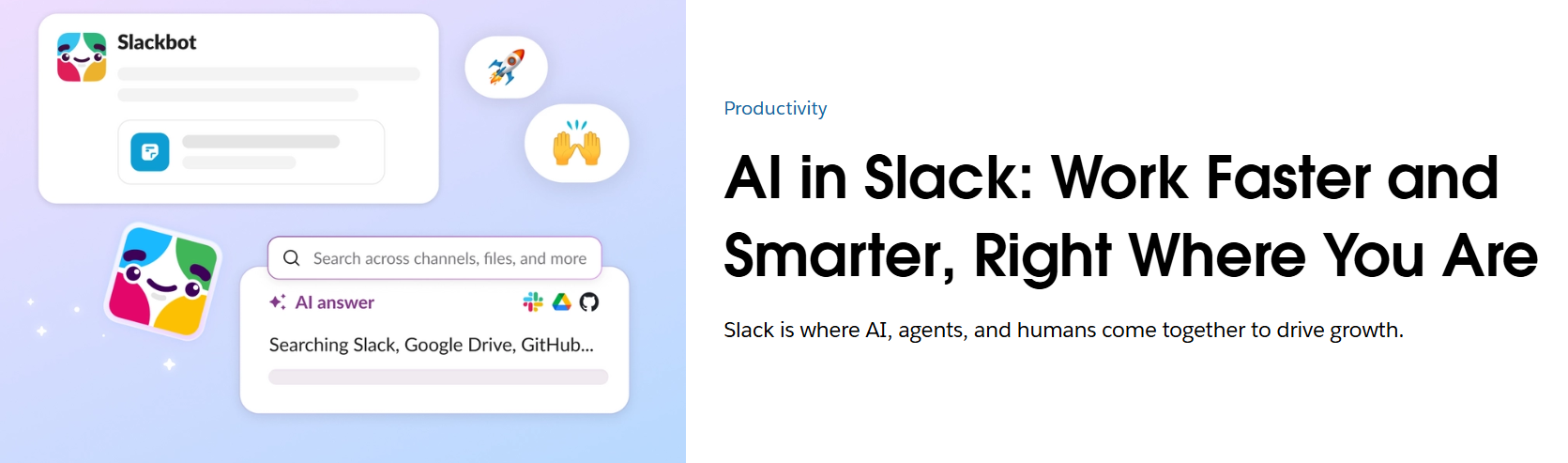
Slack is a communication platform that helps coaches stay in touch with clients and manage group discussions. Its free version is quite robust and great for fostering communication. Slack also supports voice notes, quick calls, and searchable message history so you can always find what you need. Notifications are customizable, and the mobile app makes it easy to stay connected on the go. For coaches who want a clean, professional way to communicate between sessions, especially for group coaching, Slack is a budget-friendly and efficient choice. Another choice could be WhatsApp since it has an option for creating groups.
9. MindMeister
MindMeister is a mind-mapping tool that can help coaches brainstorm, organize ideas, and plan coaching sessions. It has a free plan that’s perfect for individual use. It’s perfect for mapping client goals, designing coaching programs, or tracking progress visually.
With MindMeister, you can start from a central idea (e.g. “Client onboarding process,” “6‑month coaching program”) and branch out into sub‑ideas like goals, tasks, notes, attachments, and follow‑ups. That visual structure helps you think more clearly, spot relationships between ideas, plan sessions or workflows, and keep track of multiple workstreams at once.
10. Mailchimp
Mailchimp is an email marketing tool that allows coaches to build and manage their email lists, send newsletters, and keep clients engaged. The free tier is more than enough for new coaches. With the free plan, you can manage up to 500 contacts, create and send newsletters, design email templates, and track engagement with basic analytics. It also offers easy automation features, such as welcome emails and follow-up sequences, and integrates with tools including Google Workspace and Zoom. Mailchimp makes it simple to build a professional-looking email list, keep clients informed, and nurture relationships without breaking the budget, making it a perfect budget-friendly choice for beginner coaches.
Starting your coaching practice doesn’t have to be complicated or expensive. With the right tools, you can stay organized, deliver value, and present yourself professionally. These tools help you build strong foundations, save time, and create a professional experience for every client you work with.
Want more coaching resources, templates, and tools? Subscribe to our newsletter and get weekly tips straight to your inbox.
As always, stay happy!
The Nuumani Team
